QuickBooks Online Discount Offer Terms: Discount applied to the monthly or annual list price for QuickBooks Online (“QBO”) as stated above, starting from the date of enrollment, followed by the then-current monthly or annual base price (depending upon your purchase). Your account will automatically be charged on a monthly or annual basis (as applicable) until you cancel. If you add or remove services, your service fees will be adjusted accordingly. Sales tax may be applied where applicable. To be eligible for this offer you must be a new QBO customer and sign up for the monthly plan using the “Buy Now” option. This offer can't be combined with any other QuickBooks offers. Offer available for a limited time only. To cancel your subscription at any time go to Account & Settings in QBO and select “Cancel.” Your cancellation will become effective at the end of the monthly billing period. You will not receive a pro-rated refund; your access and subscription benefits will continue for the remainder of the billing period. Terms, conditions, pricing, special features, and service and support options subject to change without notice.
QuickBooks Online Free 30-day Trial Offer Terms: First thirty (30) days of the QuickBooks Online (“QBO”) subscription, starting from the date of enrolment is free. At the end of the free trial, you’ll automatically be charged and you’ll be charged on a monthly basis thereafter at the then-current price for the service(s) you’ve selected until you cancel. If you add or remove services, your service fees will be adjusted accordingly. Sales tax may be applied where applicable. To be eligible for this offer you must be a new QBO customer and sign up for the monthly plan using the “Free 30-Day Trial'' option. This offer can't be combined with any other QuickBooks offers. Offer available for a limited time only. To cancel your subscription at any time go to Account & Settings in QBO and select “Cancel.” Your cancellation will become effective at the end of the monthly billing period. You will not receive a pro-rated refund; your access and subscription benefits will continue for the remainder of the billing period. If you cancel within the first 30 days you will not be charged. Terms, conditions, pricing, special features, and service and support options subject to change without notice.
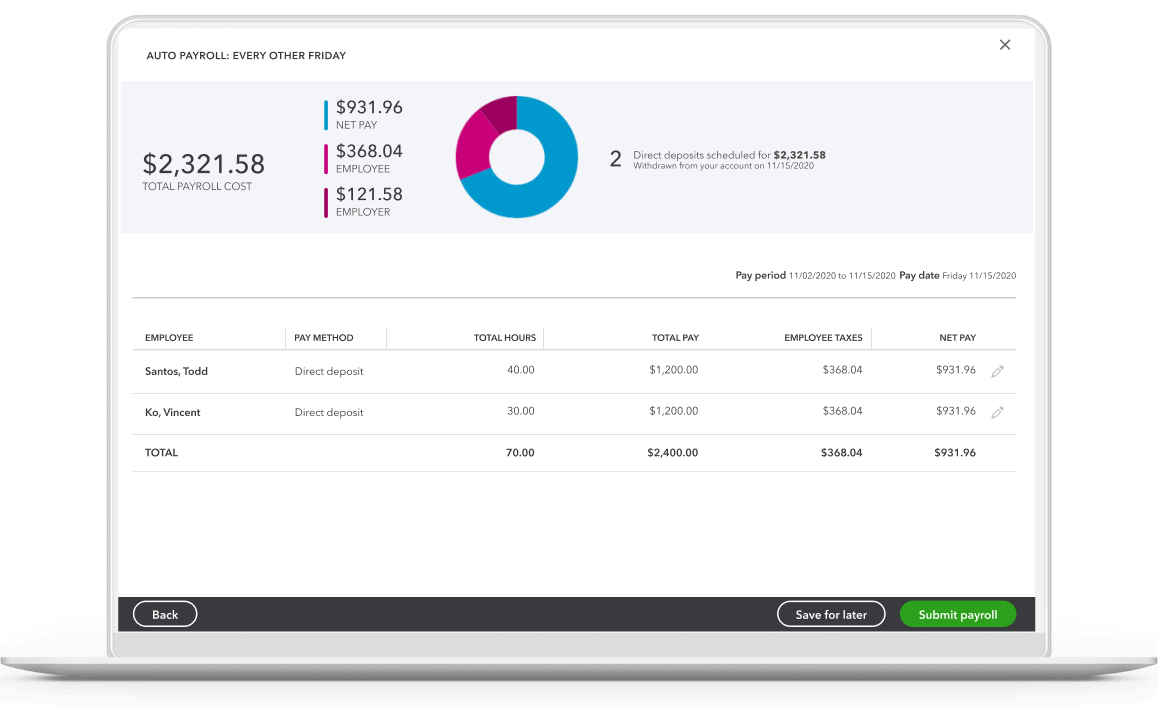
QuickBooks Payroll: Sold separately. The above stated discount price is available only to new QuickBooks customers, starting from the date of enrollment through the term period stated above. The monthly subscription price excludes HST/GST. Offer valid for a limited time only. You must select the Buy Now option. Offer not applicable with free trial. Following the offer, you will be automatically charged monthly at the-then current QuickBooks Online subscription fee + the-then current per employee fee, plus all applicable taxes, until you cancel. The employee fee is charged per unique active employee that has run a payroll during the monthly billing cycle. To cancel your subscription, learn more here. A valid credit card is required to continue using QuickBooks Online Payroll. Terms, conditions, pricing, features, service and support are subject to change without notice. Canada only.
QuickBooks Payments: QuickBooks Payments account subject to eligibility criteria, credit, and application approval. Subscription to QuickBooks Online required. Money movement services are provided by Intuit Payments Inc., licensed as a Money Transmitter by the New York State Department of Financial Services.


'/%3e %3c/g%3e%3c/svg%3e) For Sales: 1-888-829-8589For Sales: 1-888-829-8589
For Sales: 1-888-829-8589For Sales: 1-888-829-8589